




Travel Desk FAQs
Travel Desk - Frequently Asked Questions
What if I see “You are currently not set up to use any Concur products” error?
What do I do if an approver rejects my Request or Expense Report?
What do the various payment types mean?
What if something is wrong with my employee profile?
What if a SAP Questionnaire request appears?
What should I do when an alert message appears?
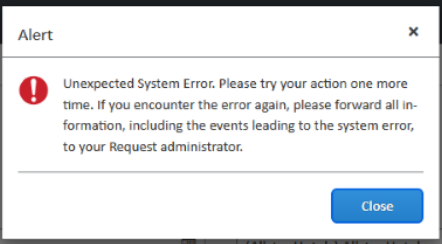 This is a SAP Concur server delay. Follow the instructions listed within the alert message and submit a ticket to LAUSD help desk.
What should I do when an error message appears?
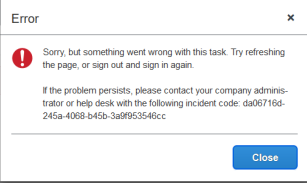 This is a SAP Concur server delay. Follow the instructions listed within the error message.
 Why are the expense types not copied down from the approved request?
What if the full name and status is not visible in manage request/expense?
What if the hotel check-in/check out dates do not copy down as expected?
Is a receipt required for every expense?
What should I do if I don't know what fund or functional area code to use?
I am traveling on behalf of another department. Can I allocate my charges to them?
As an approver, where should I be approving SAP Concur Expense Reports or Requests?
As an Expense Report/Request submitter, where do I enter my expense report?
I’m traveling soon. When can I start a Request for my trip?
What am I able to do as a delegate?
What should I do when an error message appears?
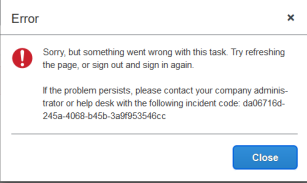 This is a SAP Concur server delay. Follow the instructions listed withing the error message.
What if my request does not receive all approvals in SAP Concur prior to my trip?